Algolia


Algolia hero

Project Overview

I introduced Algolia Browse and Search to address critical issues with the existing search infrastructure. The project was driven by two main problems: the inefficiency of the search based on Einstein Search SFCC and the excessive maintenance and manual tasks required to configure it correctly, along with problems in SFCC's sorting logic which lacked sufficient AI capabilities.

The goal was to replace the legacy system with a modern, AI-powered search solution that would provide real-time results, intelligent ranking, and reduced operational overhead while significantly improving the user experience and conversion rates.

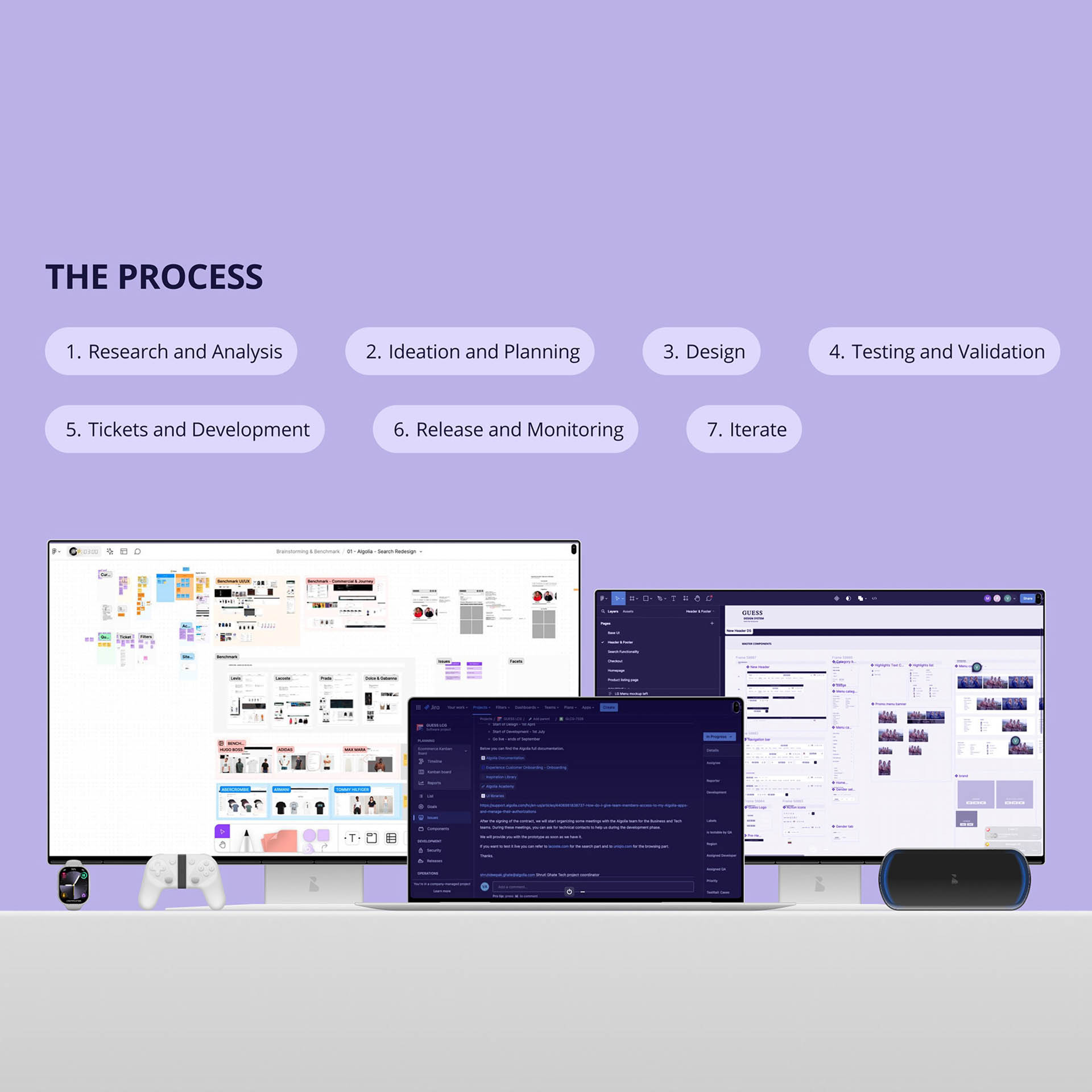
The Problem

The existing Einstein Search SFCC solution presented multiple critical challenges that impacted both user experience and operational efficiency.

Key issues included:

  • Search inefficiency — poor performance and slow response times
  • Excessive maintenance — too many manual tasks required for proper configuration
  • Limited AI capabilities — SFCC's sorting logic lacked intelligent ranking and personalization
  • Poor user experience — users struggled to find relevant products quickly
  • Low conversion rates — ineffective search and browse experiences impacted business metrics

These problems created a clear need for a modern, AI-powered search solution that could deliver fast, relevant results with minimal maintenance overhead.

Algolia problem context

Research & Discovery

I conducted stakeholder meetings with both commercial and technical partners to understand requirements, constraints, and business objectives. These sessions were crucial to align expectations and ensure the solution would meet both user needs and technical feasibility.

Once feasibility checks were completed, I moved to the design phase. Starting from Algolia's best practices, I designed the search and Product Listing Pages (PLP) to maximize the platform's capabilities:
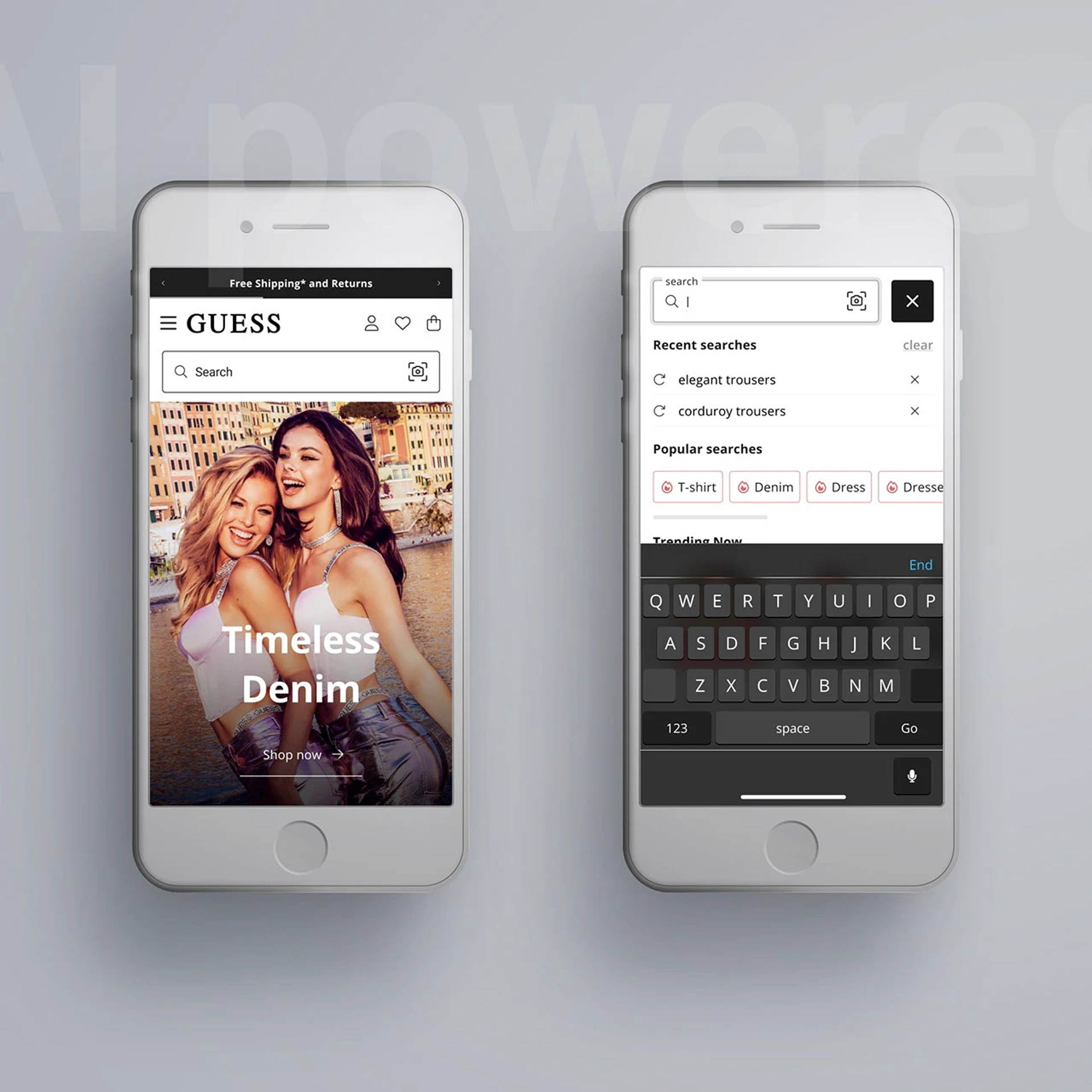
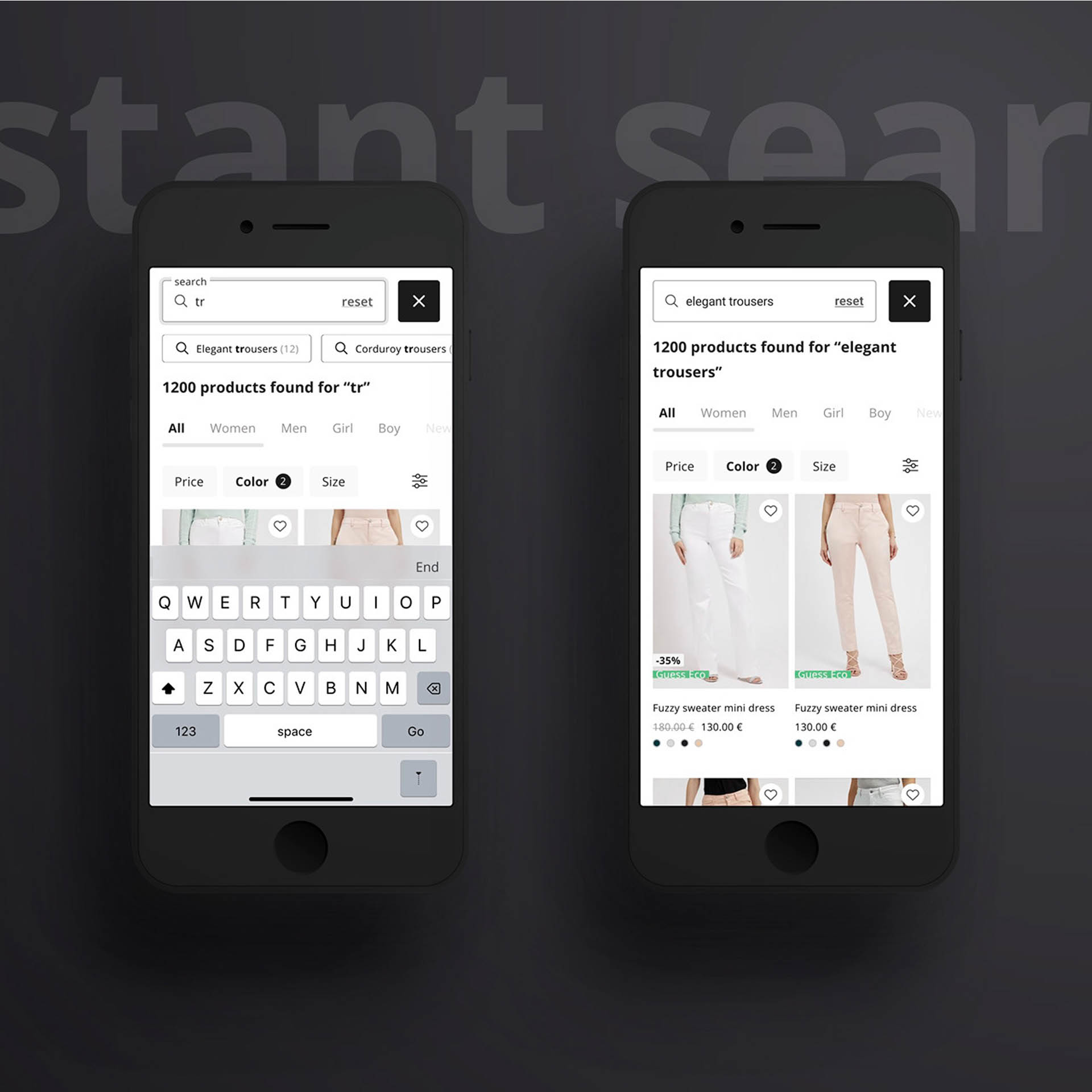
Real-time search — instant results as users type
Dynamic re-ranking — AI-powered relevance optimization
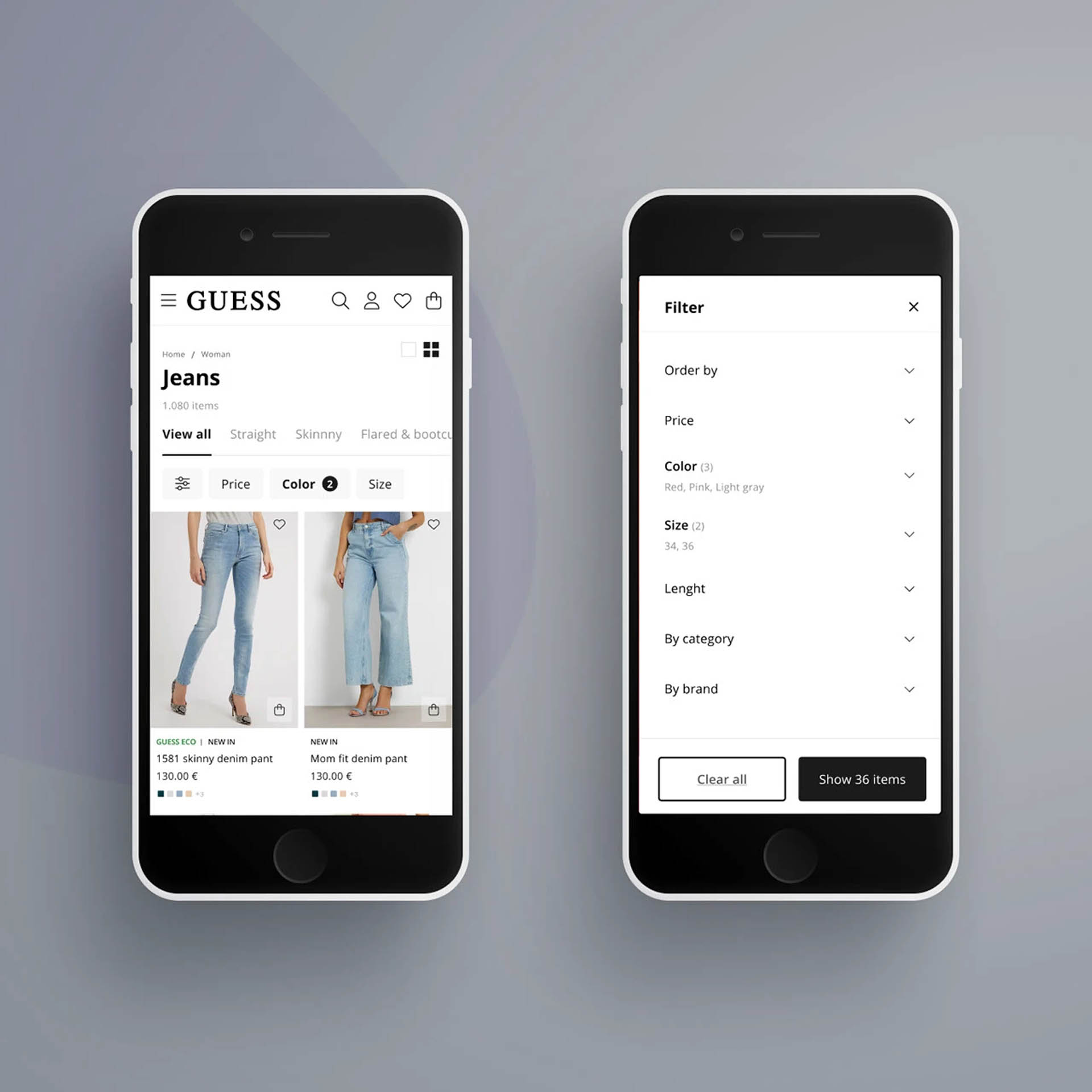
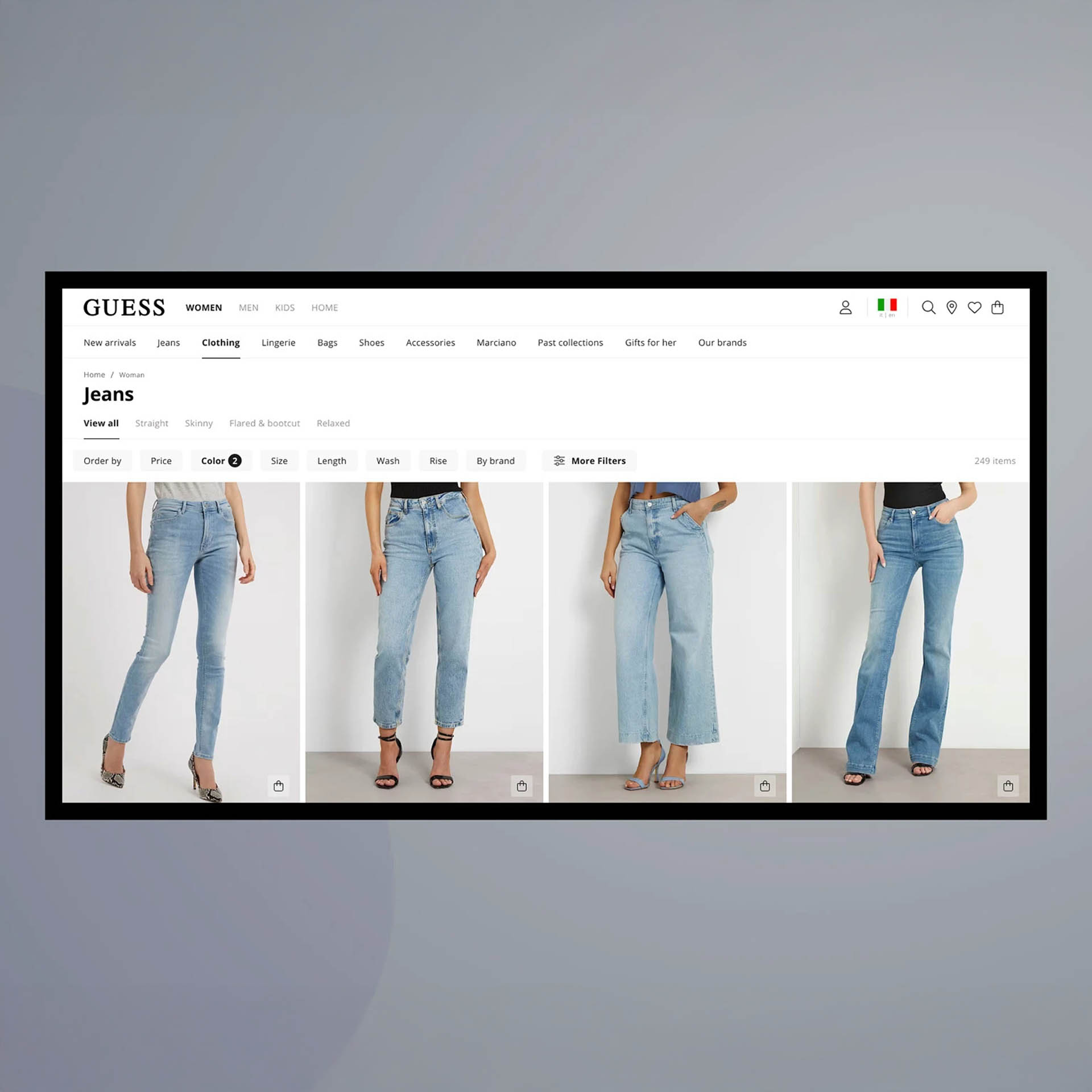
Facets and filters — intuitive navigation and refinement
Quick filters — streamlined user experience for rapid product discovery

The design approach focused on leveraging Algolia's AI-powered features to create a search experience that was both fast and intelligent, reducing friction and improving conversion rates.

UX & UI Design

I designed the search and Product Listing Pages (PLP) following Algolia's best practices, creating interfaces that fully leverage the platform's capabilities.

The design focused on maximizing the potential of real-time search and dynamic re-ranking, ensuring users receive instant, relevant results as they type. I implemented intelligent facets and quick filters to enable rapid product discovery and refinement.

Special attention was given to creating a seamless browsing experience that works across different devices, with optimized layouts for both desktop and mobile users. The interface design prioritizes speed, clarity, and ease of use to reduce friction and improve conversion rates.

This approach resulted in a modern, efficient search experience that significantly outperformed the previous solution.

Development & Project Management

I served as Project Manager throughout the development phase, following the implementation closely and supporting developers as both a business ambassador and UX Designer.

My role included ensuring that all requirements were clearly communicated, that the technical implementation aligned with the design vision, and that the final output met quality standards. I worked closely with the development team to translate design decisions into functional code, providing guidance on UX patterns and ensuring consistency across the implementation.

This collaborative approach guaranteed that the solution was not only technically sound but also delivered an optimal user experience that met business objectives.

Results & Impact

Once the solution went live, we immediately saw significant improvements in key performance metrics.

The implementation resulted in a notable increase in conversion rates for both search and browse experiences. Users were able to find products faster and more efficiently, leading to improved engagement and higher conversion rates.

The AI-powered search and dynamic re-ranking capabilities of Algolia delivered more relevant results, while the real-time search experience significantly reduced friction in the user journey.

Challenges & Solutions

During the go-live phase, we encountered a critical challenge: the cost of the tool went out of control.

The issue stemmed from our Product Listing Pages (PLP) using infinite scrolling, which encouraged users to scroll more extensively, creating excessive API calls to Algolia and driving up costs.

To solve this problem, we implemented a strategic solution: considering that Algolia is capable of providing millisecond responses without burdening the backend, we increased the number of products per page to reduce API calls and implemented a short-term caching system.

This optimization approach maintained the fast, responsive user experience while significantly reducing operational costs, demonstrating the importance of balancing performance, user experience, and cost efficiency.

Optimizations & Testing

Throughout the project, I conducted several A/B tests and optimizations to continuously improve performance and conversion rates.

Personalization A/B Tests
Tested Algolia's Personalization features to deliver tailored search results based on user behavior and preferences, improving relevance and engagement.

Dynamic Re-ranking
Implemented and optimized Dynamic Re-ranking to automatically adjust search result order based on user interactions, click-through rates, and conversion data, ensuring the most relevant products appear first.

AI Synonyms
Configured Algolia's AI Synonyms feature, which automatically learns and maps related terms, synonyms, and variations to improve search accuracy. This AI-powered capability understands user intent even when they use different terminology, ensuring users find what they're looking for regardless of how they phrase their queries.

Quick Filters Optimization
Optimized the quick filters interface to enable faster product discovery, testing different layouts and filter combinations to find the most effective configuration for improving user experience and conversion rates.